Google Maps Navigation on AT&T Samsung Galaxy S4
So if you’re like my friend who just got Samsung Galaxy S4 from AT&T, you will find out that you have to pay to use the navigation app.
That is because AT&T set AT&T Navigator as the default turn-by-turn navigation app instead of the free & amazing Google Maps Navigation.
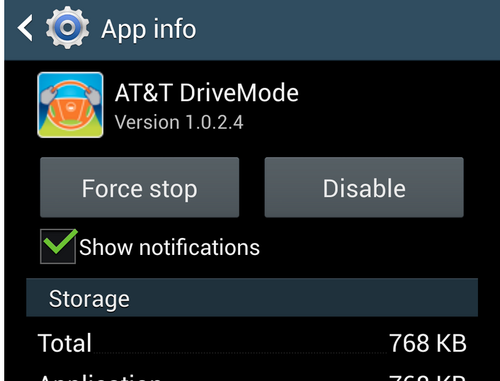
How to disable AT&T Navigator
- Go to Settings
- Tap “More” tab
- Select “Application Manager”
- Swipe to the right for “ALL” applications
- Scroll up and down and find AT&T Navigator
- Tap Disable
There you go, the next time you open Google Maps and select Navigate, you won’t be forced to pay for AT&T Navigator anymore.